Recipe Vault
Decoupling Recipes from the Digital Noise
Senior Product Design Lead | Full-Stack Architect
Overview:
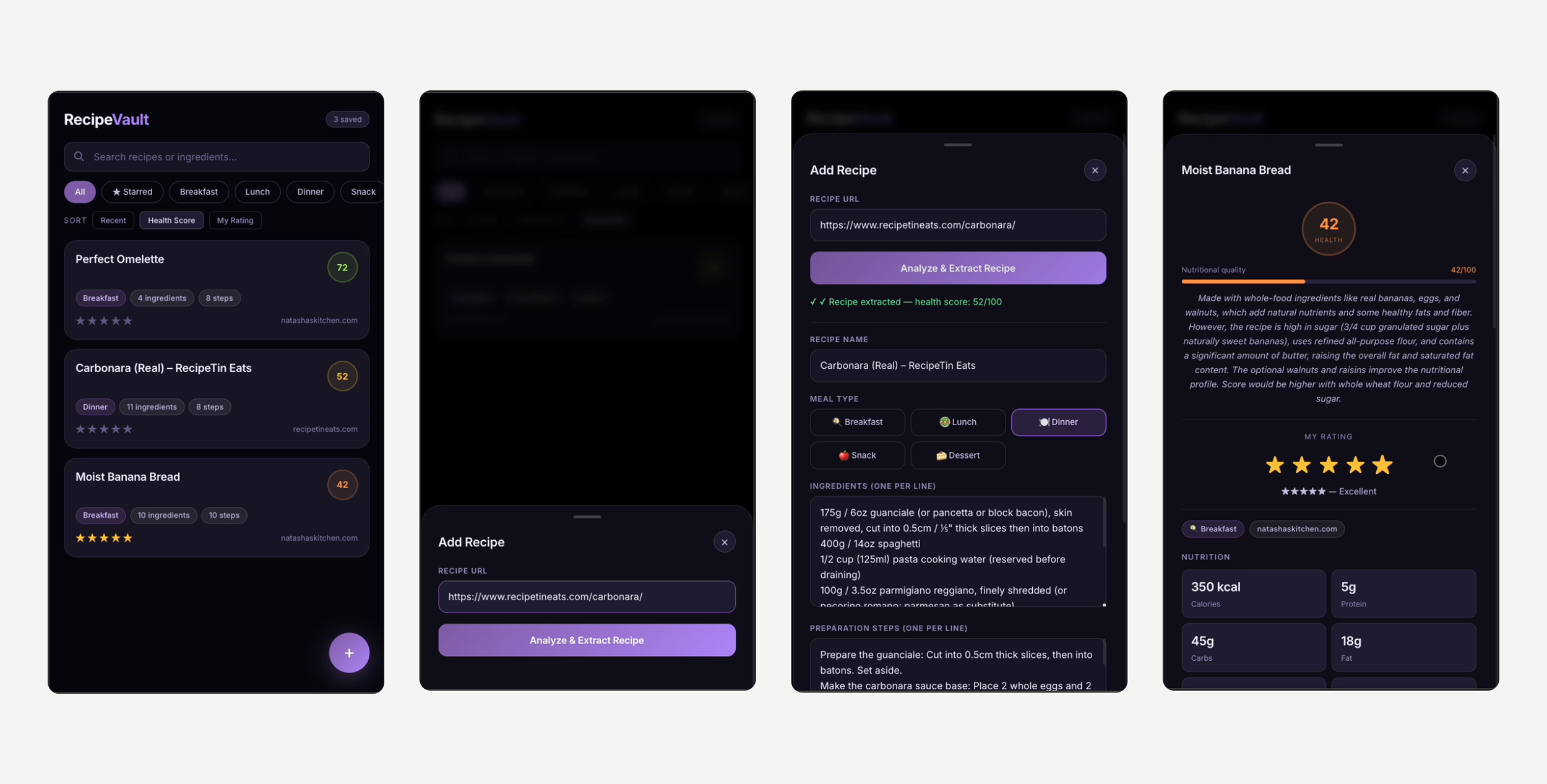
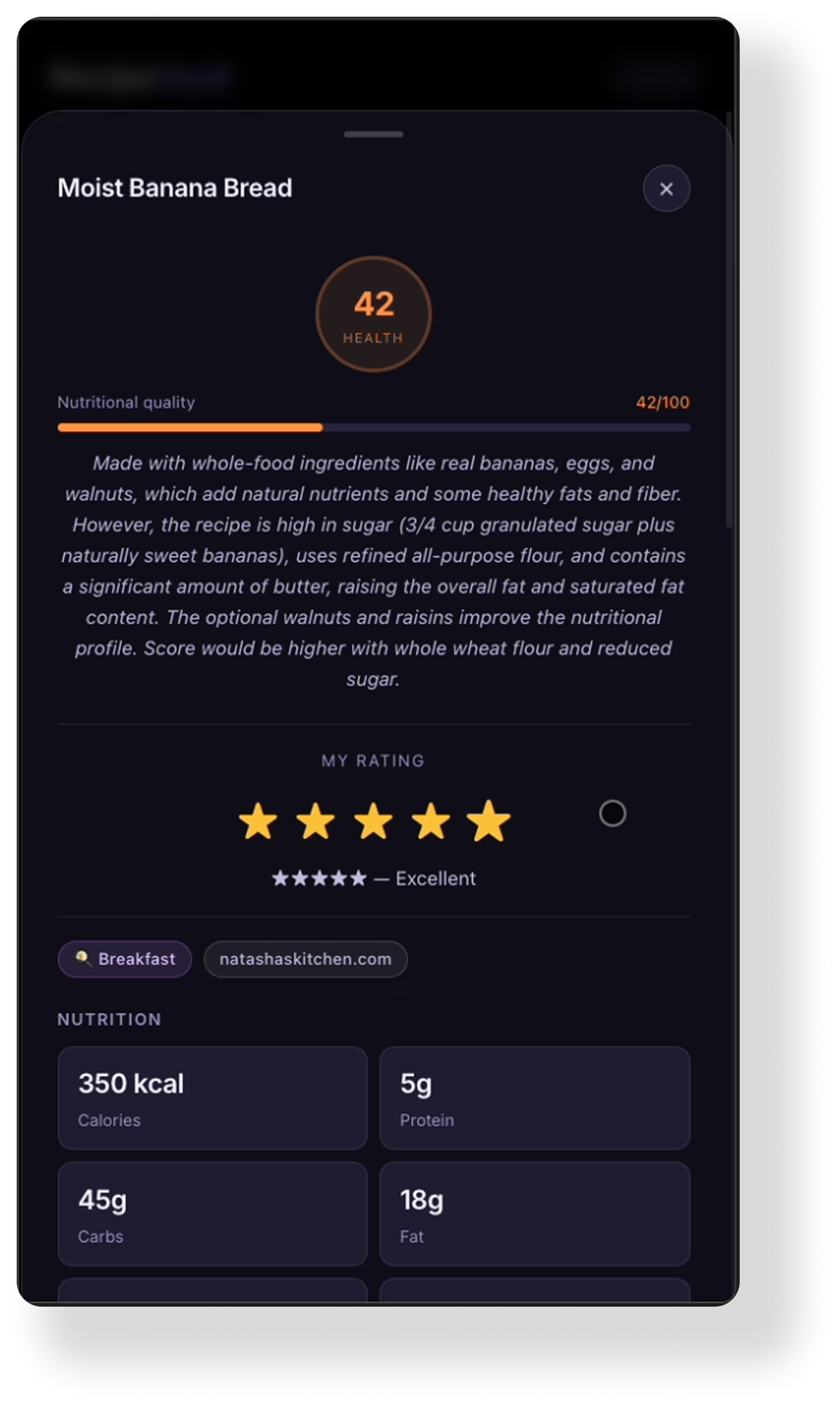
The modern cooking experience is plagued by "recipe blog bloat" - excessive narrative content, invasive advertisements, and difficult-to-parse data structures. RecipeVault is a utility-first application designed to extract the core data from any cooking URL, normalizing it into a clean, searchable, and rated personal archive. It transforms fragmented web content into a structured, health-conscious digital library.
Problem:
The Information-to-Noise Ratio
While the internet is the world’s largest cookbook, the user experience of accessing that data is fundamentally broken:
The “Scroll" Friction: Users must often navigate thousands of words of SEO-driven storytelling to find a single ingredient list.
Format Inconsistency: Every site uses a different layout, making it impossible to quickly compare nutritional values or preparation times across different sources.
The Search Loop: Home cooks often find a recipe they love but fail to find it again months later, lost in a sea of browser bookmarks and social media “saves."
Strategy:
I focused on creating a “headless" extraction flow that prioritizes the data over the decoration.
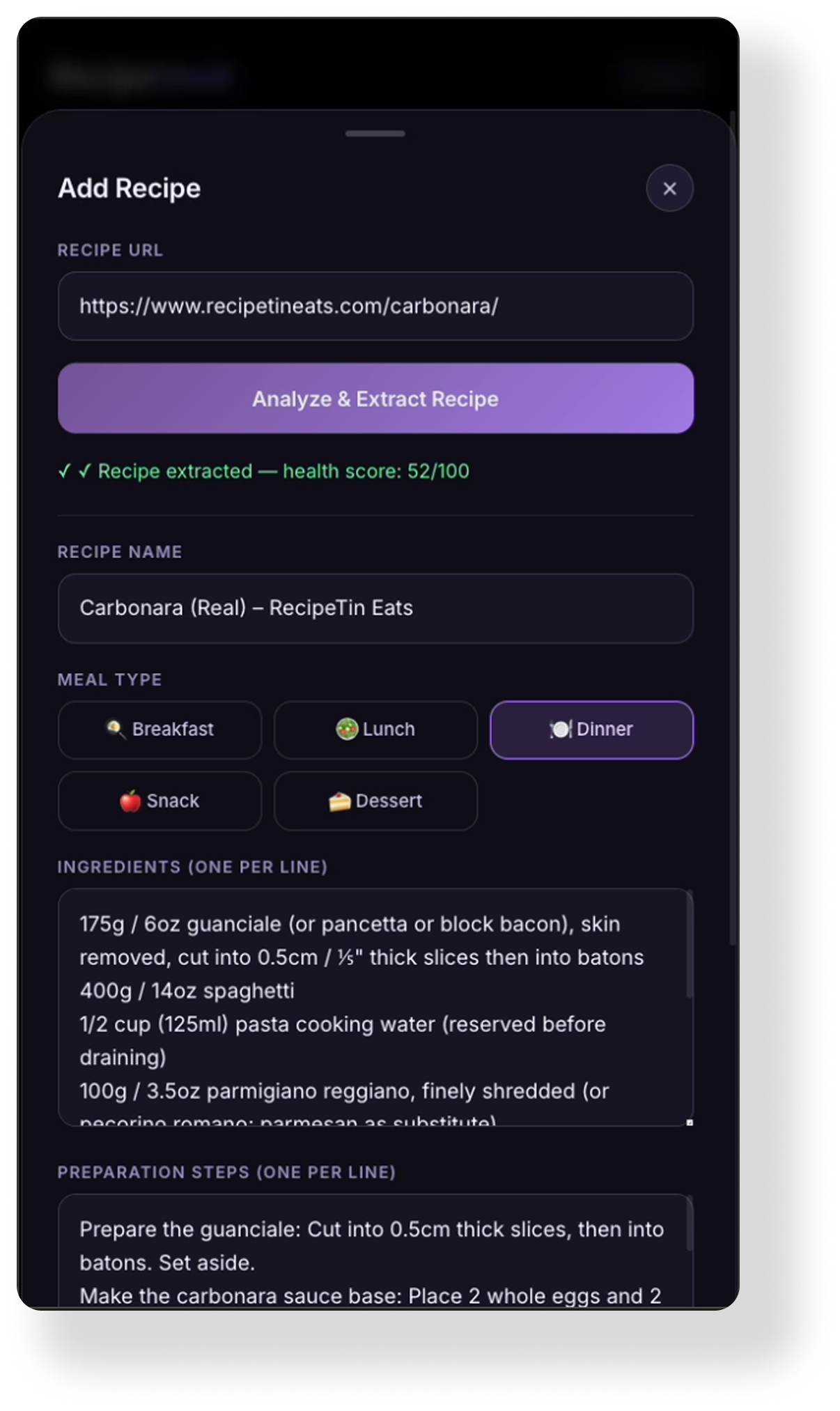
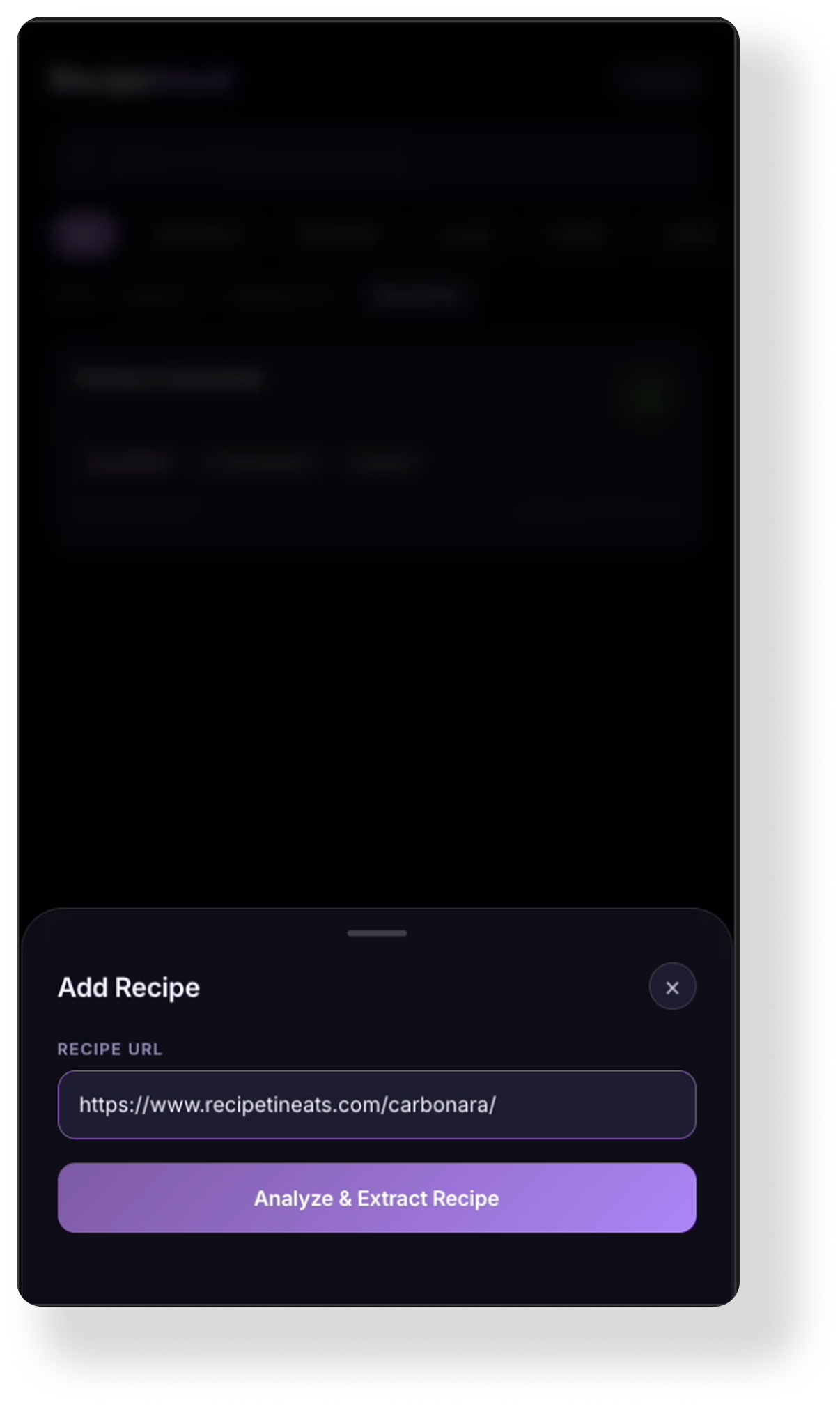
AI Data Parsing: I integrated a logic layer (utilizing Claude-level extraction) that identifies and isolates ingredients, steps, and nutritional facts from raw HTML.
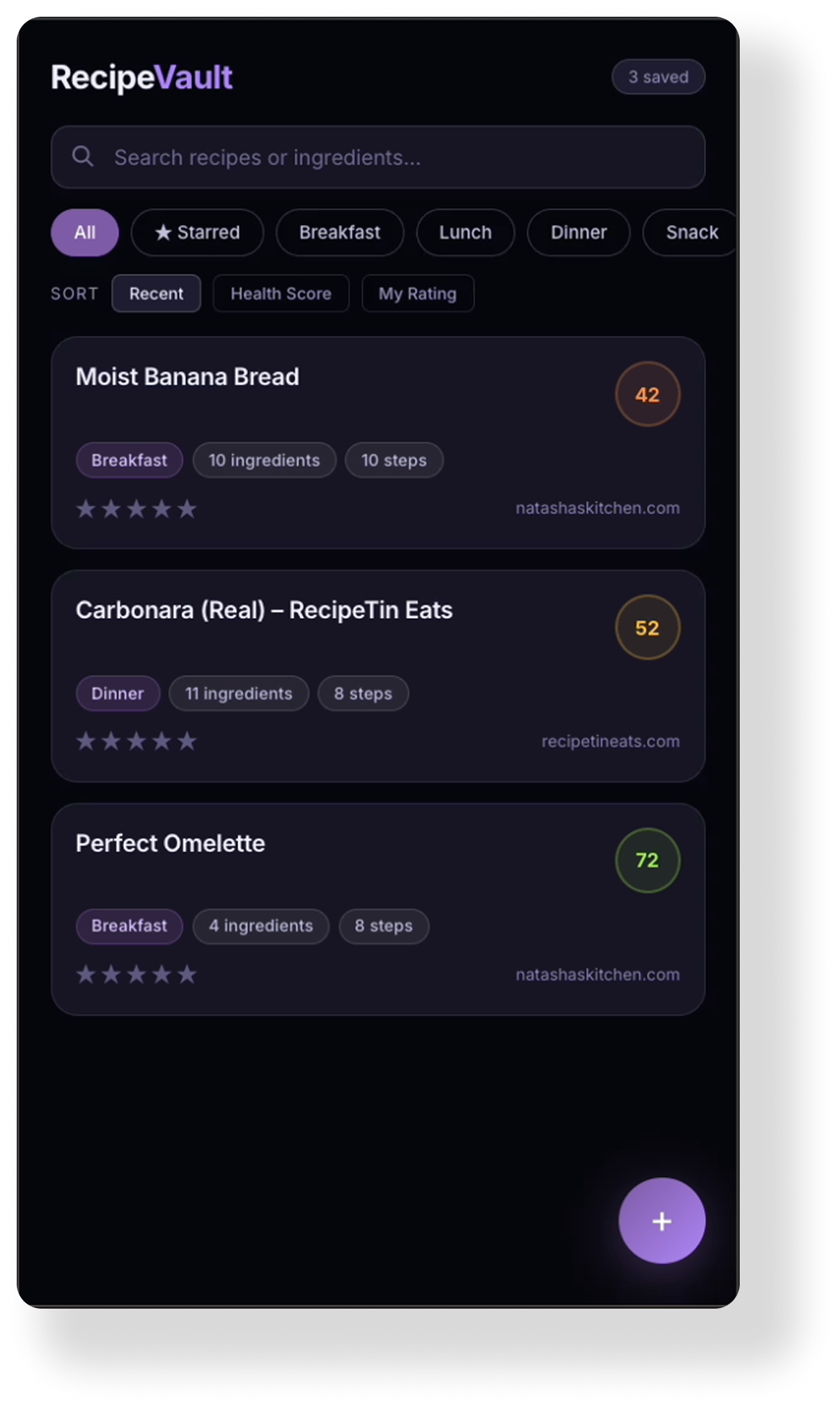
The Health Algorithm: To add immediate value beyond storage, I engineered a Health Score engine. It analyzes fiber, protein, and sugar ratios to provide an instant, 1-100 nutritional snapshot of the extracted recipe.
Structured UI: The interface was designed as a “Vault" - a high-contrast, minimalist environment that uses visual hierarchy to put preparation steps and ingredient checkboxes at the forefront of the mobile experience.
Business Result:
Reduced Time-to-Table: By stripping away ad-bloat and narrative, the app reduced the “Information Retrieval" time for home cooks by an estimated 80%.
Actionable Nutrition: The Health Score provided users with a standardized metric to evaluate their library, moving the app from a storage tool to a wellness utility.
Architectural Leaness: Built as a high-performance, single-file application, the product maintains a near-zero latency even when managing large recipe archives.
100% Data Portability: Created a system where fragmented web data is normalized into a consistent JSON schema, allowing for future cross-platform integration and smart-grocery list scaling.
What I Learned:
Simplicity is the key ingredient.
Operational Sanity over Polish: In the kitchen, a user's hands are often busy or messy. I learned that high-contrast typography and large touch targets are more important than aesthetic flourishes.
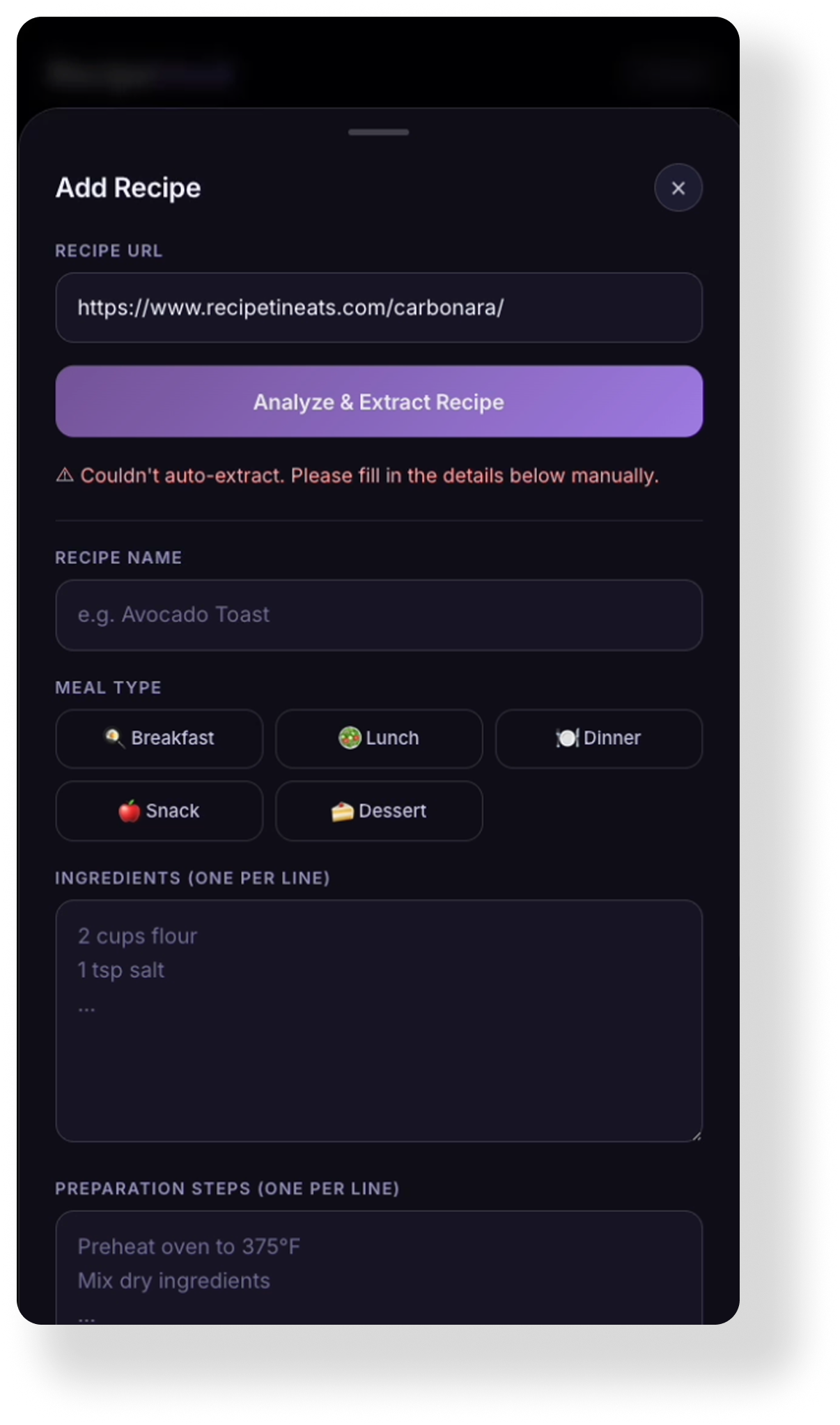
Friction as a Feature: Adding a manual "Verify Extraction" step was a critical design choice. It taught me that users are willing to accept a small amount of friction if it guarantees the accuracy of their personal data.
Design as a Filter: This project reinforced my belief that the modern designer's job is often to act as a filter - removing the noise of the web to reveal the utility underneath.
AI Shortcomings & Straight-Up Failures:
“AI is absolutely incredible with what it can do, but it can be SO dumb in the dumbest ways."
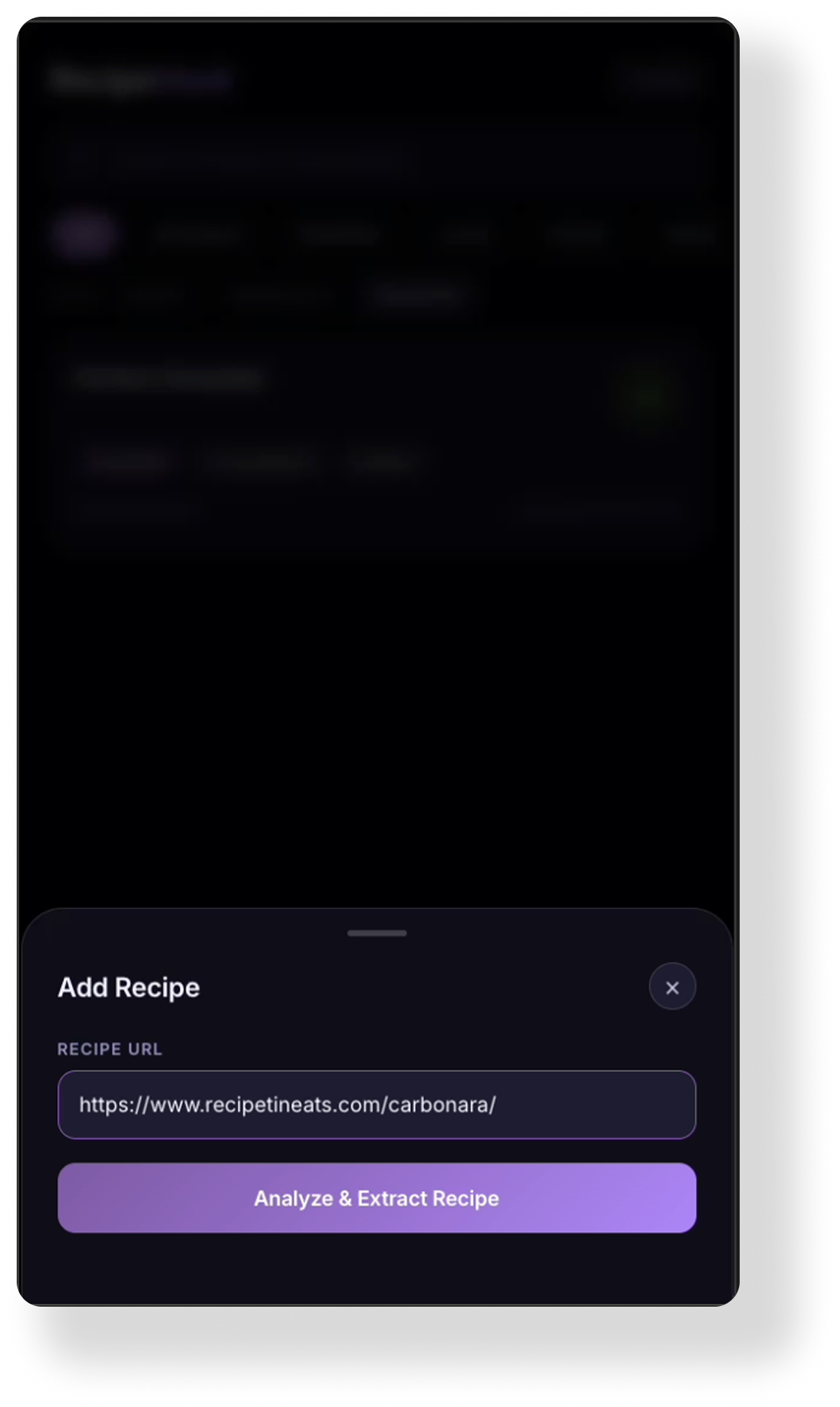
Arbitrary Extraction Failures: The data extraction process proved to be insanely glitchy without any rhyme or reason. While the AI successfully parsed complex recipes one moment, it would present a flat error message and fail to extract any data the next when presented with a nearly identical URL.
The “Black Box" Logic: Because these failures occurred sporadically and inconsistently, it created a significant hurdle in establishing a reliable user experience. I found myself in a position where the core utility of the app worked perfectly sometimes and not at all other times, with no clear technical indicator of what caused the discrepancy.
The Friction of Correction: Because the model could not maintain visual or logical consistency, the “time saved" by using AI was often lost to the manual effort required to strip out hallucinated code and realign the app with basic design system principles.
See More AI-Orchestrated APPS